
Course Attributes for Courses
Course attributes have been available in Portal² since October 1, 2026.
Edit Course Attributes
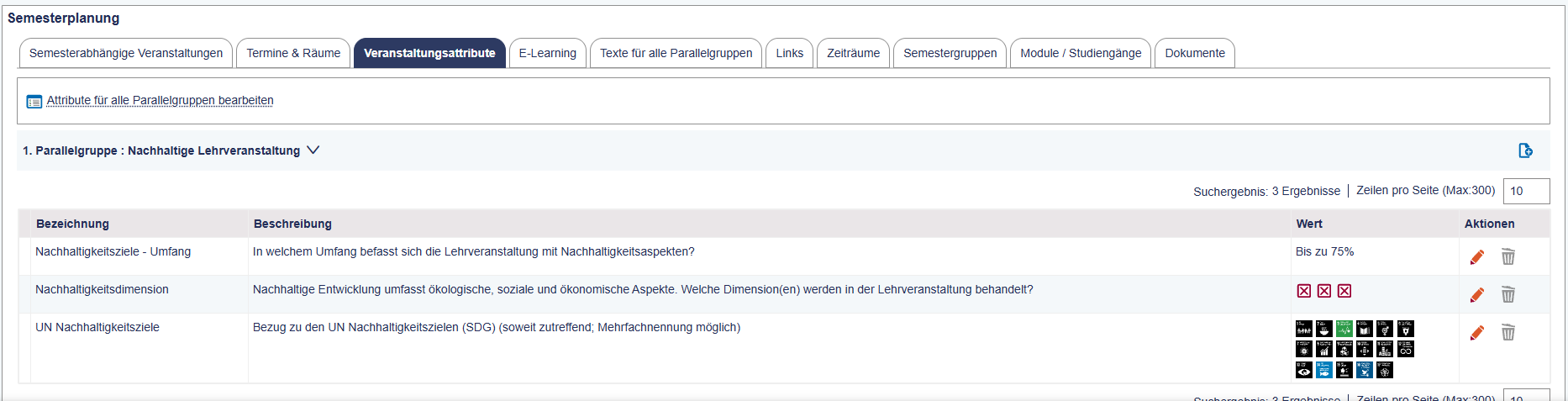
Additional information about a cours can be entered in the tab “Course Attributes”.
The following attributes are always required:
- Number of guest students
- Form of participation (defines the display of Zoom links; see also “Forms of Participation” guide).
- Extent of sustainable development goals
- Sustainability dimension
- UN sustainable development goals
Required attributes are generated when creating a new parallel group.
Click the edit icon (pencil) to enter the appropriate values for each attribute.

Depending on the attribute, you can either select a value from a drop-down list, or select multiple values, or enter a number or a text.

For the “Sustainability dimension” and “Extent of sustainable development goals”, select the desired options and use the arrow buttons to move them into the “selected” field. You can also hold down the CTRL key to select multiple options at once and move them together.
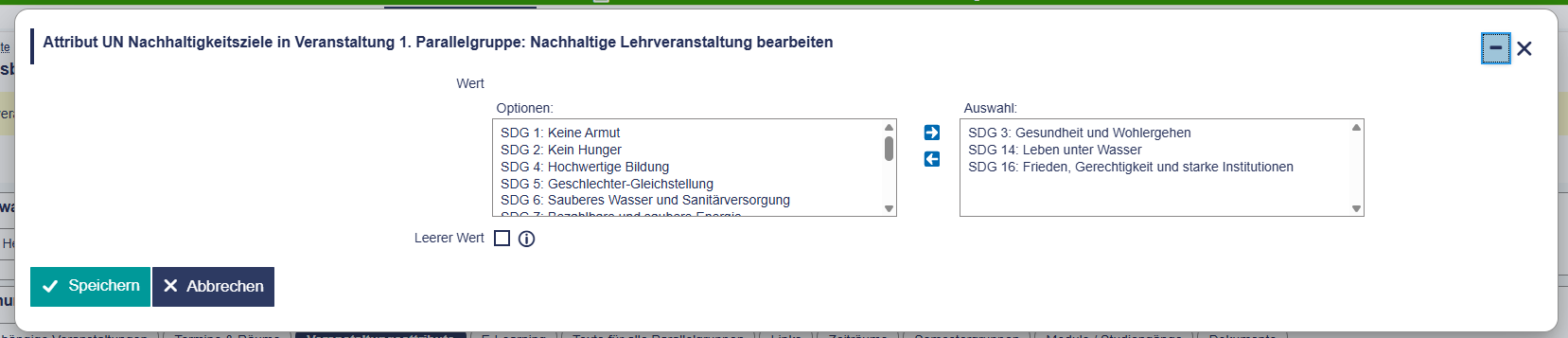
If you do not want to select a value, check the “Empty value” box.
The selected values will then be displayed immediately.
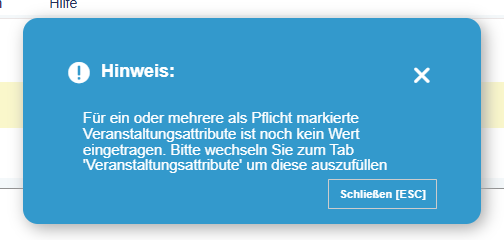
If you missed filling in some required course attributes, an info box will notify you.
The course attributes for each course are displayed directly in the detail view under “Basic Data”.

Search for Course Attributes
Under Teaching > Courses > Search and Edit Courses or Studying > Search Courses, you can search for courses where course attributes have been set to specific values (or where attributes have not been filled in yet).
To do this, click “Configure course Attributes for Search.” Now, you can select the desired attributes to be displayed on the search screen.


If you want to find events where certain attributes are not selected, use the operator "= (value not existing).”
